Introduction
Stop overthinking.
Too many choices. Too much jargon.
You want a reliable Kwikset smart lock for your rental property.
You don’t need to read a hundred reviews.
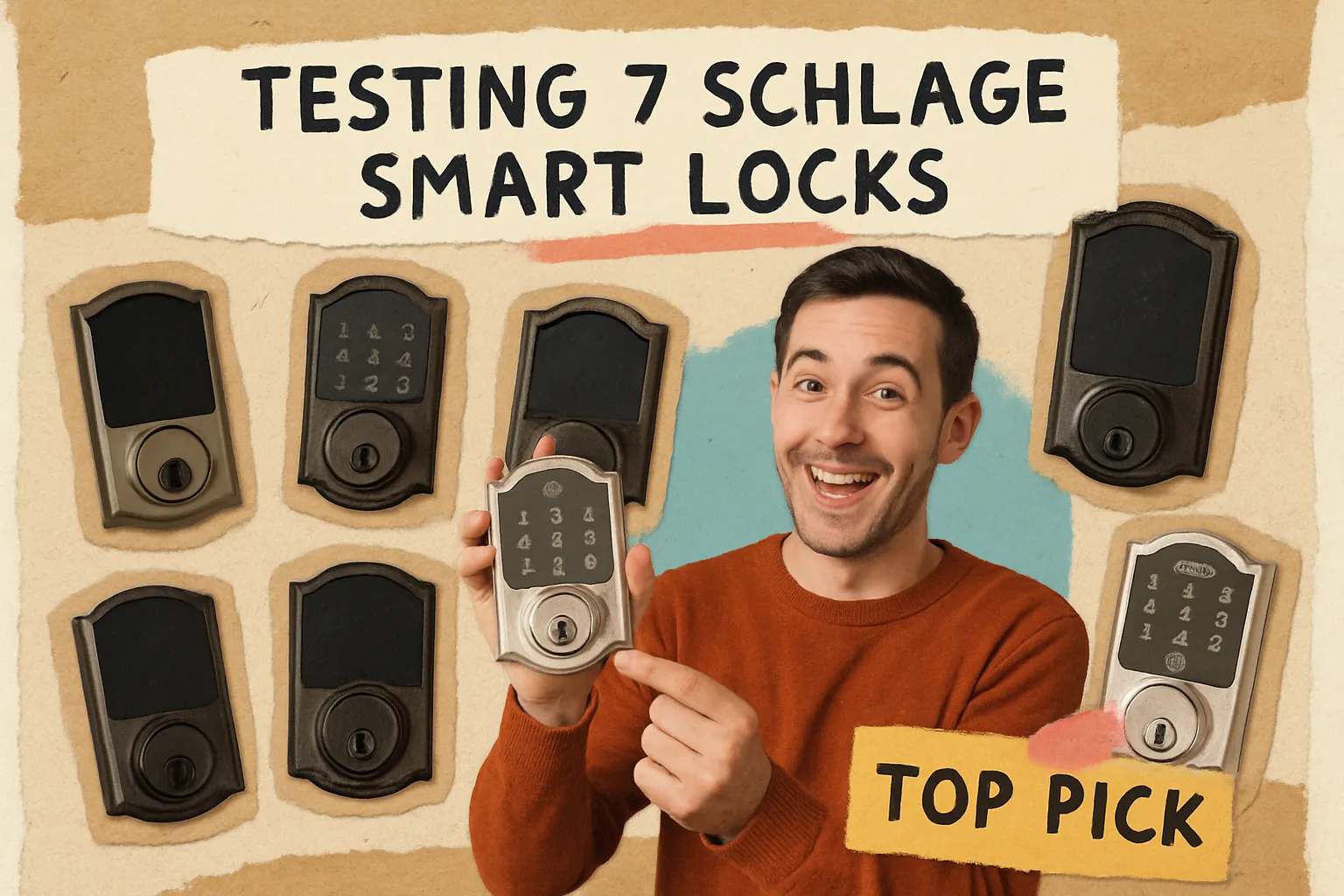
We tested every Kwikset smart lock model for 2025.
At LandlordGadgets, we boiled it down to seven.
Here’s what really matters.
How We Chose
We started with every Kwikset electronic smart lock model available in 2025. Then we cut down using six criteria.
- Connectivity: Wi-Fi, Bluetooth, Z-Wave/Zigbee.
- Security: Encryption standards, SmartKey rekey, fire ratings.
- Ease of install: Screwdriver only, no wiring.
- Battery life: Which lasts six months or a year.
- Price: From budget to premium ($50–$400).
- Real-world fit: Landlords, property managers, vacation rentals.
We gave each lock a score in those categories.
Then we ranked them for simplicity and reliability.
No fluff. No hype. Just what you need.
The 7 Kwikset Smart Locks You Actually Need
1. Halo Select
This is the flagship Kwikset smart lock for 2025.
It has built-in Wi-Fi. You don’t need a hub.
Matter-over-Thread is optional if you prefer a Thread border router.
The motor is quiet. It won’t jar open at night.
It has a door-ajar sensor. You’ll know if the deadbolt doesn’t seat.
The touchscreen is UV-resistant. It stays legible in direct sun.
Security is top tier. BHMA Grade AAA. UL 20-minute fire rating.
SmartKey rekey lets you change your physical key in seconds.
Audit trails show who came and went. In real time.
Ideal for remote access and detailed logs.
2. Halo Select Plus
All the features of the Select.
Plus NFC and UWB (Ultra Wideband) coming soon.
Hands-free unlocking with your phone or watch.
No reach. No touch.
It’s for early adopters who want tomorrow’s tech today.
Future proofing at a premium price.
3. Halo Keypad
Wi-Fi without the high price tag.
It shares the Select’s app and auto-lock.
Basic geo-unlock gets you in when you arrive.
Touchscreen is clear. Codes stay sharp.
SmartKey rekey is included.
This is the best value in the Halo lineup.
Great for landlords on a budget who still need remote control.
4. SmartCode 270
This is the Z-Wave/Zigbee model for hub users.
Up to 50 user codes. You can assign codes per tenant.
SecureScreen keypad blocks code-detection attempts.
One-touch motorized deadbolt. Tap and go.
Works with Alarm.com, ADT, Vivint, and most Z-Wave hubs.
Best for deep smart-home integration.
Perfect if you already run a hub ecosystem.
5. Home Connect 620
Z-Wave only.
One-touch motorized deadbolt.
Compatible with Vivint and many third-party hubs.
Live notifications when a code is used.
Ideal if your system is all Z-Wave.
Simple, reliable, no extra protocols.
6. Aura Series
Bluetooth-only. Local control only.
No hub. No internet.
Perfect for Airbnbs and short-stay rentals.
You hand out a temporary code via the app.
Guests connect at the door.
No network setup. No guest Wi-Fi password.
Up to 12 months battery life.
Simple. Private. Secure.
7. SmartCode 260
Entry-level keypad lock.
25 user codes.
Grade 3 security. Manual rekey.
No fancy connectivity.
Four AA batteries. Up to one year life.
Best for landlords looking for a basic upgrade.
Costs under $100 at Home Depot or LandlordGadgets.com.
Connectivity Options Explained
Choosing the right connectivity is about fit. Not flash.
| Connectivity | Remote Control | Ecosystem | Requirements |
|---|---|---|---|
| Wi-Fi | Yes, from anywhere | Direct app + Matter support | Internet connection |
| Bluetooth | No, local only | Limited | None (within range) |
| Z-Wave/Zigbee | Via hub only | Extensive third-party | Smart home hub |
Wi-Fi models like Halo give you full control.
Bluetooth locks like Aura are simple and local.
Z-Wave and Zigbee serve those with hubs.
Pick based on your property’s setup.
Price Range & Where to Buy
Kwikset smart locks range from about $50 to $400.
SmartCode 260 sits near the $50 mark.
Halo Select lands around $200–$250.
Halo Select Plus will be closer to $300-$350.
SmartCode 270 and Home Connect 620 fall around $150–$200.
Shop at Home Depot, Lowe’s, or LandlordGadgets.com.
LandlordGadgets offers volume discounts for property managers.
Bundled kits and installation guides available online.
DIY Installation Guide
No wiring. No pro needed.
Tools required:
- Phillips screwdriver
- Ruler
- SmartKey tool (included)
Five quick steps:
- Install the strike plate and door-ajar sensor.
- Mount the latch into the bore hole.
- Attach the exterior assembly.
- Connect and mount the interior plate.
- Insert batteries and let the lock learn its handing.
Common pitfalls:
- Over-tightening screws can bind the latch.
- Misaligned doors force the motor to strain.
- Skipping the door-ajar sensor step leads to false alarms.
For detailed videos and PDFs, visit LandlordGadgets support.
We keep everything on our blog.
If you can change a light switch, you can install one of these locks.
Battery Life & Maintenance
Battery life varies by model and use.
- Halo series: around six months under normal use.
- Aura series: up to 12 months.
- SmartCode 260: 12 months or more.
Factors that drain power:
- Frequent remote access or auto-lock cycles.
- Poor Wi-Fi signal making the lock retry.
- Low-quality batteries.
- Door misalignment forcing extra motor work.
Our tips:
- Use premium alkaline or lithium AA cells.
- Check door alignment when you install.
- Disable features you don’t need.
- Watch low-battery alerts and swap in advance.
LandlordGadgets locks send alerts to your phone.
Final Thoughts
You don’t need all seven locks.
Pick the one that matches your property.
Simplicity is your friend.
Less lock. Done better.
Shop and support at LandlordGadgets.com.